Productivity
Chronoworking: Find the Hours When You Work Best
Chronoworking matches tasks to the times you tend to work best. Use this two-week experiment to test your schedule without extending your workday.
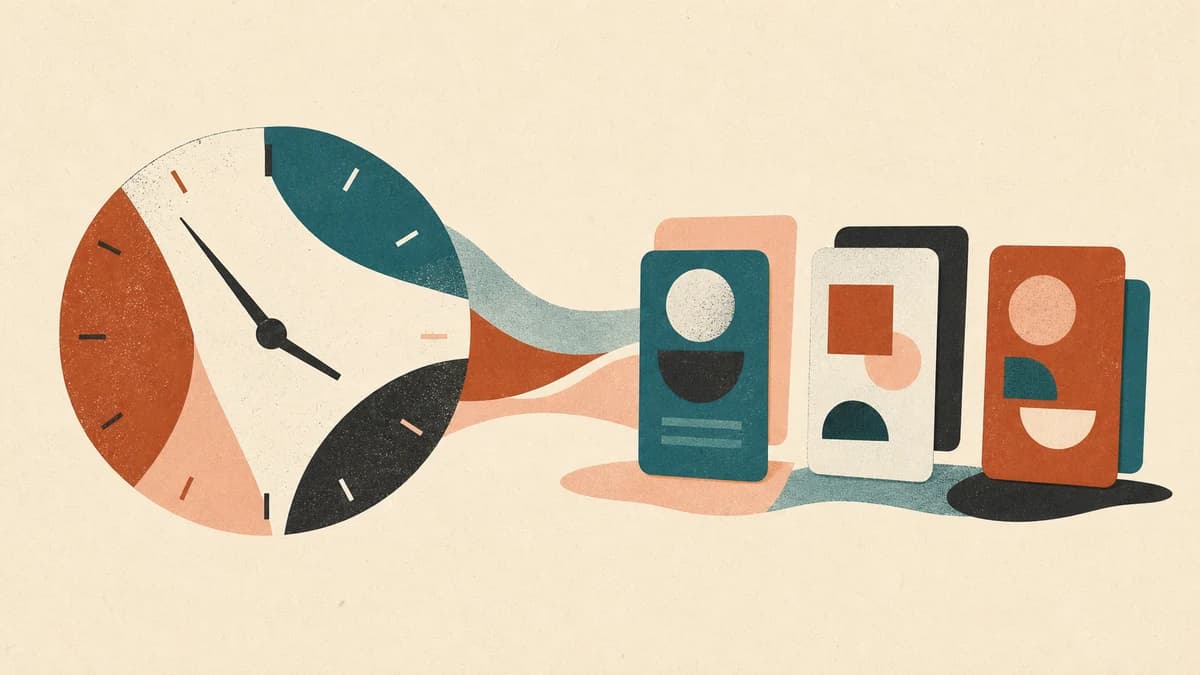
Chronoworking is the practice of arranging tasks around the times when you tend to feel more or less alert. If writing comes easily before lunch, you reserve that window for writing. If routine admin is all you can face at four, you stop asking four o'clock to produce your best strategy work.
It sounds like a neat biological productivity hack. It isn't that tidy. Sleep, interruptions, workload, health, and caregiving all affect how a day goes. The useful part is noticing a repeatable pattern, testing one change, and seeing whether the work improves.
This guide gives you a two-week experiment for doing exactly that.
What does chronoworking mean?
Chronoworking means matching the kind of work you do to the times when you are usually best able to do it. It is often discussed alongside chronotype, the tendency to sleep and wake earlier or later, and circadian rhythms, the roughly 24-hour processes that help regulate sleep and alertness.
Those ideas do not hand you a universal schedule. A 2025 systematic review of 65 studies found that the relationship between chronotype, time of day, and cognitive performance varies across tasks and remains unclear overall.
So treat “I am a night owl” as a clue, not a diagnosis or a calendar rule. The question is narrower: When do you tend to do a particular kind of work well, under the conditions you actually live with?
A rough afternoon can come from your body clock, a short night, six meetings, a stressful call, or constant interruption. Moving a hard task from 3 p.m. to 10 a.m. will not help if 10 a.m. is your noisiest hour. NIOSH describes work-related fatigue as a problem with many possible sources, including demanding tasks, stress, long hours, and disrupted sleep.
Run a two-week chronoworking experiment
For ten working days, record five things at three or four points during the day. A note or spreadsheet is enough.
| What to record | A useful level of detail |
|---|---|
| Sleep | Bedtime, wake time, and whether sleep felt disrupted |
| Alertness | A simple 1–5 score, without trying to be scientific |
| Work | The kind of task: writing, analysis, calls, admin, or physical work |
| Conditions | Meetings, interruptions, location, caffeine, illness, or unusual stress |
| Output | What you actually finished, plus whether it needed substantial rework |
Observe your normal schedule during the first week. Changing it immediately makes it hard to tell whether you found a pattern or created one.
After five days, look for modest signals:
- Did one kind of task repeatedly move faster at a certain time?
- Did you make fewer mistakes in one window?
- Was the apparent pattern really a difference in interruptions?
- Did poor sleep explain the lowest-scoring days?
- Was this a pattern or one unusually good afternoon?
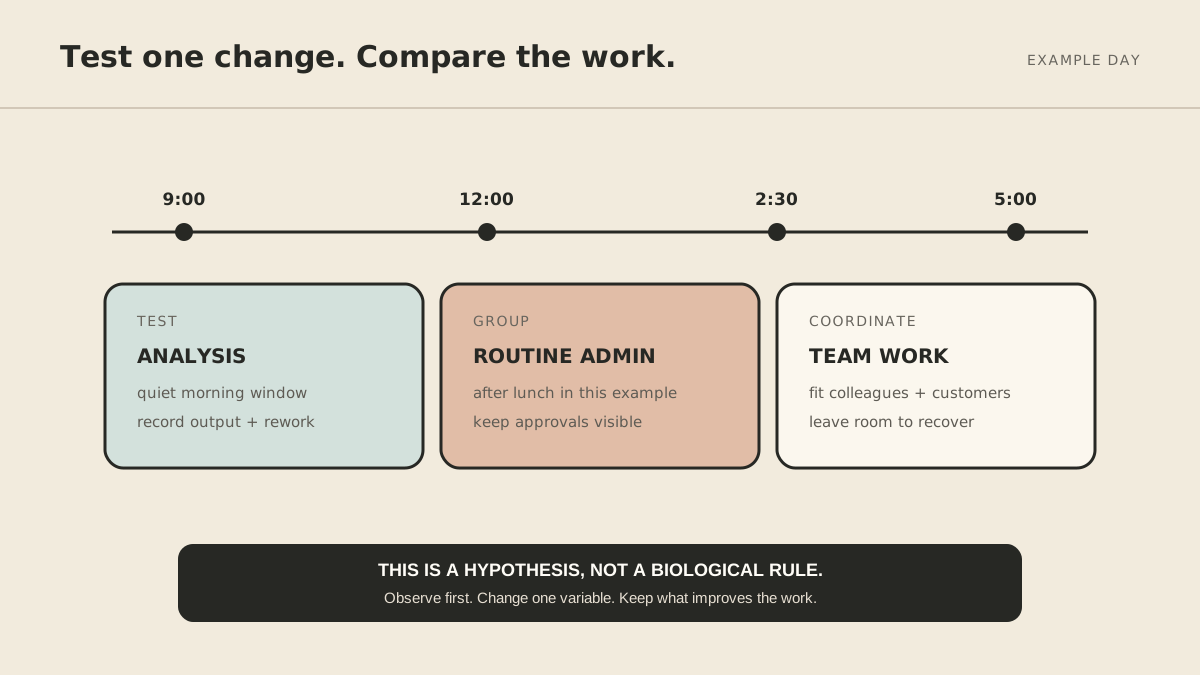
For week two, move one demanding task into the most promising available window two or three times. Keep the task, duration, and surroundings as similar as practical. Compare completed work and rework, not just how productive you felt. Keep the change only if it helps.
Build a schedule around the pattern you found
Once the evidence looks repeatable, give the useful window a job.
Give the window one clear task
“Focus time” is vague. Name the output: draft the proposal, reconcile the account, or prepare the lesson. A finish line makes the block easier to protect and evaluate.
Move routine work, but do not let it consume the day
Email, scheduling, filing, and status updates can often share a lower-focus block. Anything involving money, safety, sensitive data, or another person still deserves proper attention and an approval step.
If the block is mostly inbox and calendar coordination, the workflow in How to Use an AI Assistant for Email, Calendar, and Tasks shows how to separate preparation from approval.
Protect sleep and recovery
Do not turn a late creative spell into a second workday. If the experiment shortens sleep, increases fatigue, or makes driving or safety-sensitive work harder, stop. Discuss persistent sleepiness or a major sleep change with a qualified health professional.
Leave buffer around collaborative work
Customer availability, time zones, handoffs, and colleagues' needs also shape the day. Try protecting two mornings a week or moving one recurring meeting. The meeting-overload guide offers ways to recover focus without forcing everyone onto the same schedule.
What if you cannot control your hours?
Many people cannot move their shift, customer hours, caregiving, medication schedule, or team meetings. Smaller changes can still help:
You might:
- do the more error-prone part of a fixed task earlier in the shift;
- prepare a checklist before a predictably difficult period;
- group avoidable interruptions away from one short focus window;
- ask for a different meeting time once a week;
- reserve a quieter location for demanding work;
- use templates or delegation to reduce setup.
Accessibility needs and medical conditions may shape energy in ways a generic framework misses. The goal is a workable accommodation, not conformity to a trend.
Decide what should leave your calendar altogether
Tracking your day may expose tasks that need a better system rather than a better time. A repeatable handoff should name the trigger, result, allowed actions, and approval points. The solo-founder delegation guide provides that structure. MyAgnts can coordinate recurring preparation, follow-up, and monitoring once those boundaries are clear.
Try one honest change
Tomorrow, start the log. After five ordinary workdays, choose one task and one promising window to test. The point is to learn enough about your real day to stop scheduling important work by accident.