Productivity
How to Reduce Meeting Overload at Work
A practical five-step plan to reduce meeting overload, replace status calls with useful updates, and protect time for focused work.
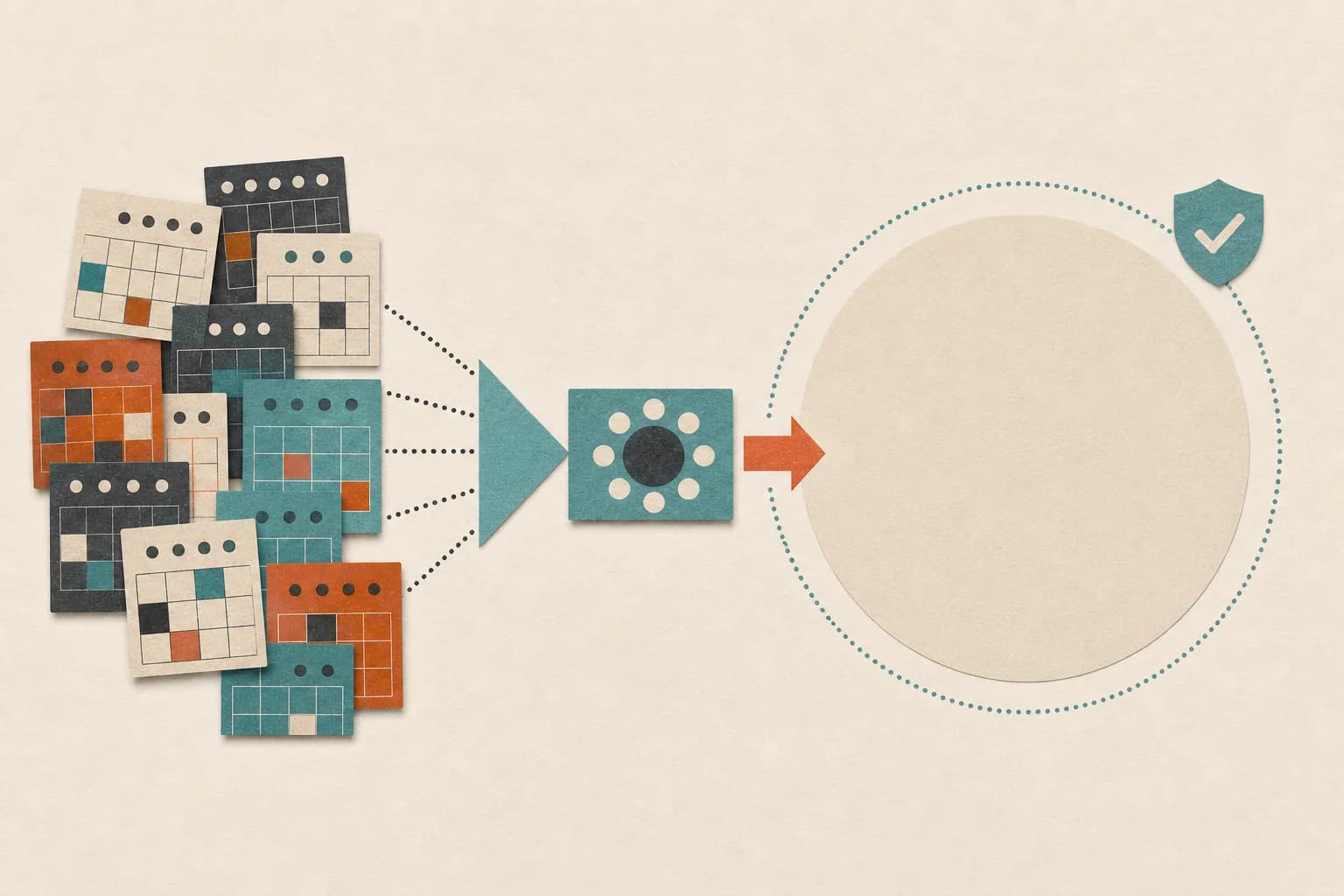
A full calendar can make a busy week look productive. Then Friday arrives and the work you meant to finish is still waiting.
If that sounds familiar, you can reduce meeting overload without refusing every invitation or changing the whole company. Start with the meetings you control, replace information-sharing calls with clear written updates, and make the remaining conversations earn their time.
Why calendars fill up so quickly
Meetings are easy to create and awkward to question. A recurring invitation can stay on the calendar for months after its original purpose has disappeared.
Status updates are another source of meeting overload. Six people join a call to share information that could have been read in a few minutes. A 30-minute meeting with six attendees uses three hours of the team's time.
The frustration is widespread. In a survey of 5,000 knowledge workers, Atlassian found that 72% of meetings were considered ineffective. That does not mean live conversations are bad. It means too many meetings lack a decision, a clear owner, or a useful next step.
How to reduce meeting overload in five steps
1. Audit one normal week
Look back at each meeting from the past week and write down:
- Why it existed
- Who needed to be there
- What decision was made
- What action followed
- Whether the same result could have happened another way
Do not judge a meeting by whether the conversation felt busy. Judge it by the result.
Put each meeting into one of four groups: keep, shorten, replace with an update, or remove.
2. Replace status meetings first
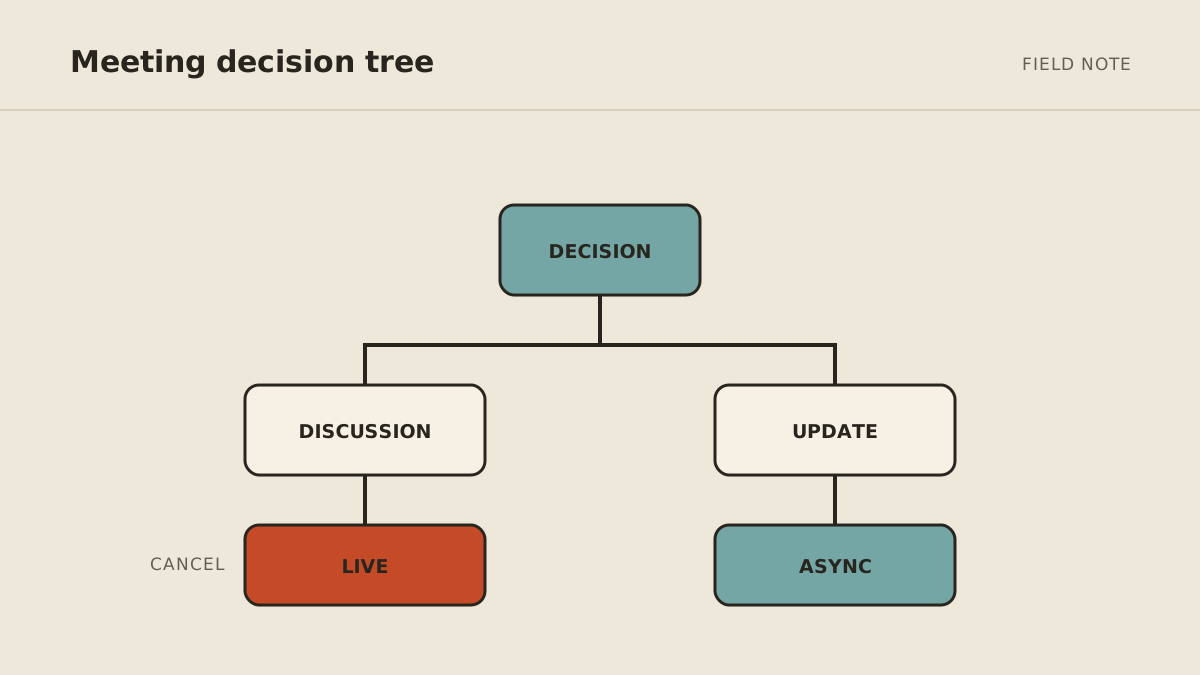
Status meetings usually share information rather than make decisions. Replace them with a short update that answers:
- What changed?
- What is blocked?
- What happens next?
- Who needs to respond, and by when?
Send the update at a predictable time and keep replies in one place. If a real decision appears, schedule a short conversation with only the people needed to make it.
3. Require a purpose and an agenda
Before accepting or creating a meeting, ask what needs to be decided by the end. If there is no answer, the meeting is probably not ready.
A useful agenda does not need to be long. It can be three lines:
- The decision we need
- The information everyone should read first
- Who will own the next action
Share any pre-reading early enough for people to use it.
4. Shorten and batch the meetings you keep
Change the default length from 30 minutes to 25, or from 60 to 50. The buffer gives people time to write notes, move between rooms, or simply reset.
When possible, group meetings into one or two parts of the day. A single 30-minute call can break a much larger block of focused work because people need time to stop, switch context, and begin again.
5. End with a written decision
Before everyone leaves, confirm what was decided, who owns each action, and when it is due. Send the recap in the same place where the team tracks the work.
This small habit prevents the next meeting from becoming a repeat of the last one.
Which meetings should stay live?
Some work is better in real time. Keep live meetings for:
- Decisions with real disagreement or tradeoffs
- Sensitive feedback and difficult conversations
- Early creative work that benefits from fast back-and-forth
- Urgent problems with several owners
- Relationship-building that is the actual purpose of the time
Even these meetings need a clear purpose. "Brainstorm" is not enough. State the problem, the constraints, and what the group should leave with.
Make async communication easier to use
Replacing a meeting with a vague message only creates a different problem. A good async update should be easy to scan and easy to answer.
Use a consistent template:
Done: What changed since the last update
Next: What will happen before the next update
Blocked: What needs help or a decision
Reply by: Who needs to respond and when
Keep updates in a shared location instead of spreading them across private messages, email threads, and several project tools.
Where an AI agent can help
An agent can help with the administrative work around meetings when it has access to the right tools and clear permission. It might collect updates from known sources, draft a weekly summary, prepare an agenda, or send approved follow-ups.
It should not make sensitive decisions, invent a project status, or send commitments without the approval rules you set. The goal is to reduce coordination work, not remove human judgment.
FAQ
How many meetings are too many?
There is no useful universal number. You have too many when meetings regularly push important work outside normal hours, repeat information, or end without decisions and owners.
What is the easiest meeting to remove first?
Start with a recurring status meeting. Replace it with a written update for a few weeks and schedule a call only when the team needs to make a decision.
How do I decline an unnecessary meeting politely?
Ask for the goal and offer a simpler path: "Could you share the question or decision needed? I may be able to answer in the document and save us both the call."
Can AI reduce meeting overload?
It can reduce the preparation and follow-up around information-sharing meetings. It cannot replace conversations that depend on trust, negotiation, or sensitive human judgment.
MyAgnts' Private Operator can prepare recurring updates, agendas, and follow-ups across connected tools, with approval boundaries shaped around your work. See the $500/month service or book a setup call. No task prep is required; we will learn how meetings currently create work and identify a practical setup.