Fundamentals
What Is an AI Agent, and What Can It Do for Your Business?
An AI agent can pursue a goal across several steps and business tools. Learn how agents work, where they help, and when simpler automation is better.
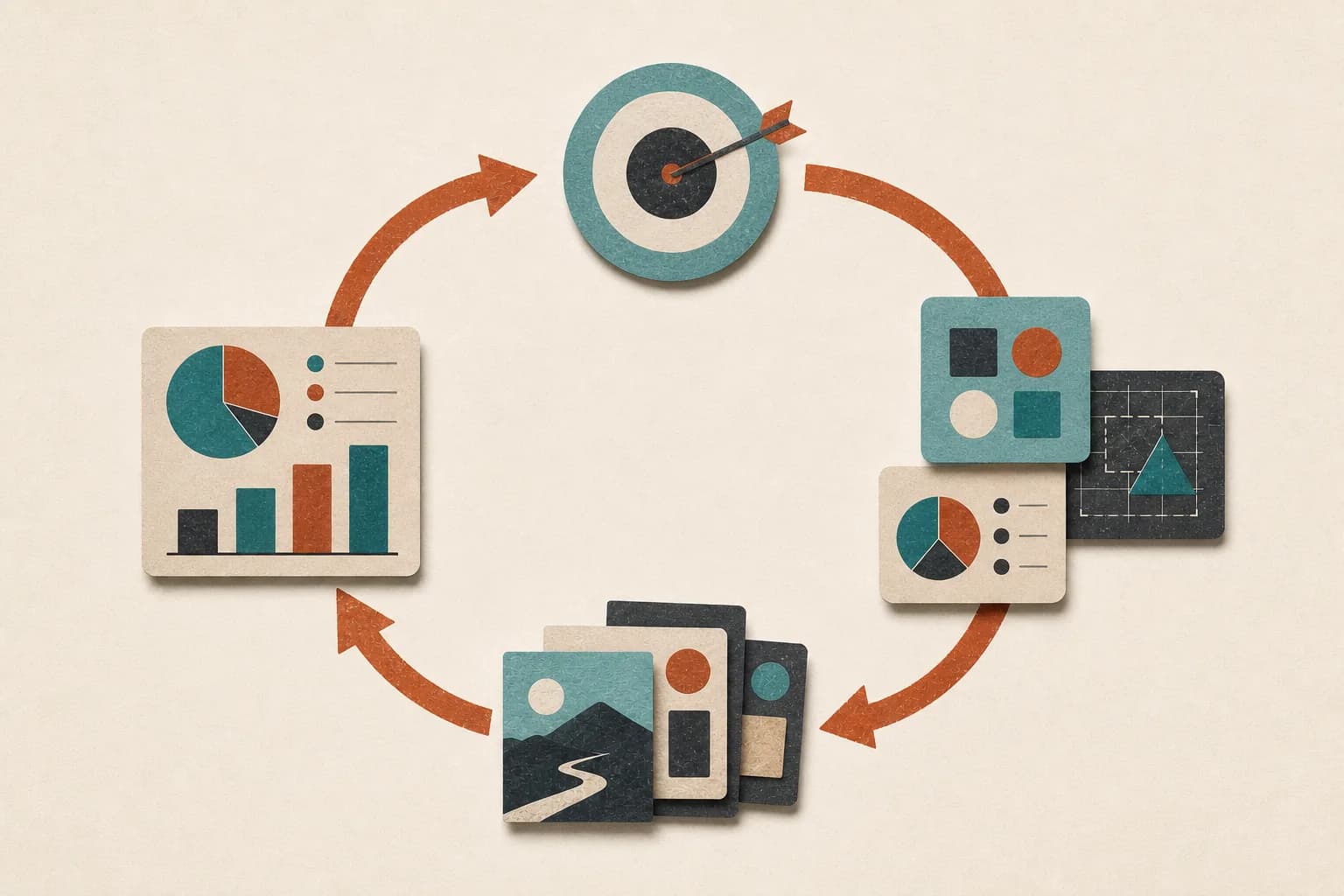
An AI agent is software that can pursue a goal by choosing and completing steps with the tools you allow it to use. For a business, that can mean gathering information, preparing work, updating a system, and returning for approval when the next action exceeds its authority.
The important word is not “AI.” It is agent: the system does more than generate an answer. It carries a job forward.
A business example from start to finish
Imagine a new inquiry arrives through your website at 9:12 a.m.
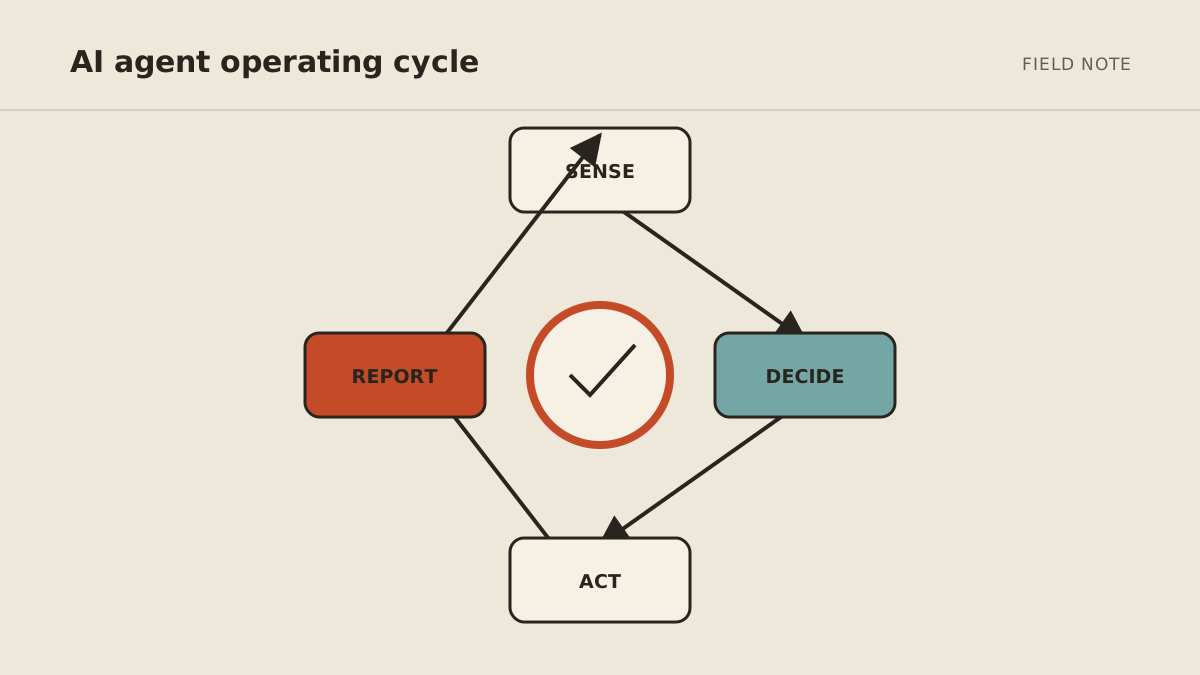
A basic form automation can copy the submission into your CRM. An AI agent could handle a larger, still-bounded job:
- Read the form and check whether the required information is present.
- Search the CRM for an existing contact or open opportunity.
- Visit the company's public website and collect relevant facts.
- Compare the request with your written qualification rules.
- Draft a response using the prospect's question and your approved service information.
- Create or update the CRM record with the source links.
- Ask you to approve the message before it is sent.
- If approved, send it and create a reminder for the next step.
The agent is not valuable because it wrote a pleasant email. It is valuable because it coordinated the steps around that email and preserved the evidence you need to review the result.
The six parts of an AI agent
Products use different terms, but a useful business agent usually has six working parts.
1. A goal
The goal describes the finished result: “Prepare every complete new lead for review within 15 minutes” is better than “help with sales.” A clear finish line lets the agent know when to stop.
2. Instructions and boundaries
Instructions define the operating rules: which leads qualify, which sources are trusted, which tone to use, which cases need a person, and which actions are prohibited.
The boundary matters as much as the goal. “Draft the response but do not send it” is part of the job, not an afterthought.
3. A model
The language model interprets the request, works with unstructured information, and decides which permitted step is useful next. The model is the reasoning component; it is not the entire agent.
4. Tools
Tools let the agent do work outside the conversation. They may read an inbox, search the web, check a calendar, update a CRM, create a file, or schedule a later run.
Access should be narrow. A lead agent may need one form, selected CRM fields, public web research, and email drafting. It does not need your payroll system.
5. State or memory
State lets the agent carry relevant information across steps: which sources it checked, whether the lead already exists, what approval is pending, and when follow-up is due.
Longer-term memory may preserve preferences and workflow facts between jobs. That memory should be reviewable and scoped; remembering everything is not automatically better.
6. A trigger
Some agents begin when you ask. Others start when an event occurs or a schedule arrives: a form is submitted, an email enters a folder, a meeting ends, or Monday morning begins.
Triggers turn a capable assistant into a recurring operating system. They also make monitoring important, because the workflow can run when you are not watching the chat window.
An agent is not the same as a model
A model produces predictions and language. An agent wraps a model in a system with goals, tools, state, and controls.
Changing the model may improve reasoning or cost. It does not automatically fix vague instructions, excessive permissions, missing source data, or a broken CRM connection. Those are system-design and operating problems.
This distinction helps when evaluating vendors. Ask what the agent can access, how actions are approved, what persists between runs, what gets logged, and who maintains the integrations—not only which model appears on the pricing page.
An agent is not always better than automation
Use ordinary rules when the path is known and deterministic.
If every completed form should create the same task, a simple automation is cheaper, easier to test, and more predictable. Adding an agent would introduce judgment the workflow does not need.
An agent earns its complexity when the path changes based on context. It may need to decide which source to inspect, determine that information is missing, choose among approved tools, or bring an ambiguous case to a person.
Many strong systems combine both: fixed rules handle exact movement and permissions, while AI interprets the parts that arrive as natural language.
What AI agents can do well for a small business
Good agent work tends to have four qualities: it repeats, it happens in digital tools, “done” can be described, and consequential moments can pause for approval.
Examples include:
- preparing a daily owner brief from named sources;
- researching and organizing prospects before outreach;
- assembling meeting context and extracting follow-up tasks;
- monitoring selected websites and reporting material changes;
- sorting requests and drafting routine responses;
- checking forms or documents for missing information; and
- coordinating a recurring workflow across email, calendar, files, and a CRM.
See 15 small-business tasks to automate with AI for more candidates and the access each needs.
What should remain human
Agents can prepare evidence and drafts, but responsibility does not disappear.
Keep people in charge of novel relationship decisions, legal and financial judgment, sensitive personnel matters, disputed facts, high-impact purchases, public crisis communication, and actions that are difficult to reverse.
Even a routine workflow needs an escalation path. The agent should know what to do when sources conflict, a tool fails, a request falls outside the rules, or confidence is low. “Stop, preserve the work, and show the owner what is missing” is often the correct behavior.
Use the act, ask, or never approval framework to classify individual actions instead of labeling an entire agent “autonomous.”
Do you need an agent? A five-question test
Answer yes or no:
- Does the job require more than one step or tool?
- Does the correct path change based on the information received?
- Would useful context need to persist while the job is in progress or between runs?
- Should the job start from an event or schedule without a fresh prompt?
- Can you define a finish line and approval points?
Four or five yes answers indicate an agent-shaped workflow. Two or fewer usually point to a chatbot, a conventional automation, or a better-written standard process.
Three is the useful middle: prototype the uncertain step with AI, keep the rest deterministic, and see whether the extra flexibility improves the result.
Self-serve, custom, or managed
A self-serve agent lets you configure instructions, tools, and schedules in a product. It suits common workflows and owners willing to test and maintain the setup.
A custom agent is built around specific systems or logic. It can fit unusual operations, but someone must own development, security, monitoring, and updates.
A managed AI agent includes the operating layer: setup, persistent environment, connections, recovery, and ongoing tuning. That is the category MyAgnts serves. It costs more than a do-it-yourself subscription because the service includes maintaining the system, not merely providing a chat box.
Whichever route you choose, begin with one job and minimum access. A useful agent is not the one connected to the most tools. It is the one that finishes a clearly defined piece of work, shows its evidence, and knows when to ask.