Fundamentals
What Is a Managed AI Agent?
A managed AI agent combines agent software with a maintained environment, bounded permissions, monitoring, and a human owner for one defined workflow.

A managed AI agent is not just an AI model with a chat box. It is an agent system for a defined workflow plus the operating work required to keep that system available, connected, bounded, reviewed, and current.
That distinction matters when you are comparing a self-serve subscription with a managed service. Both may use capable models. The difference is who owns the environment, connections, permissions, monitoring, corrections, and maintenance after the first demo.
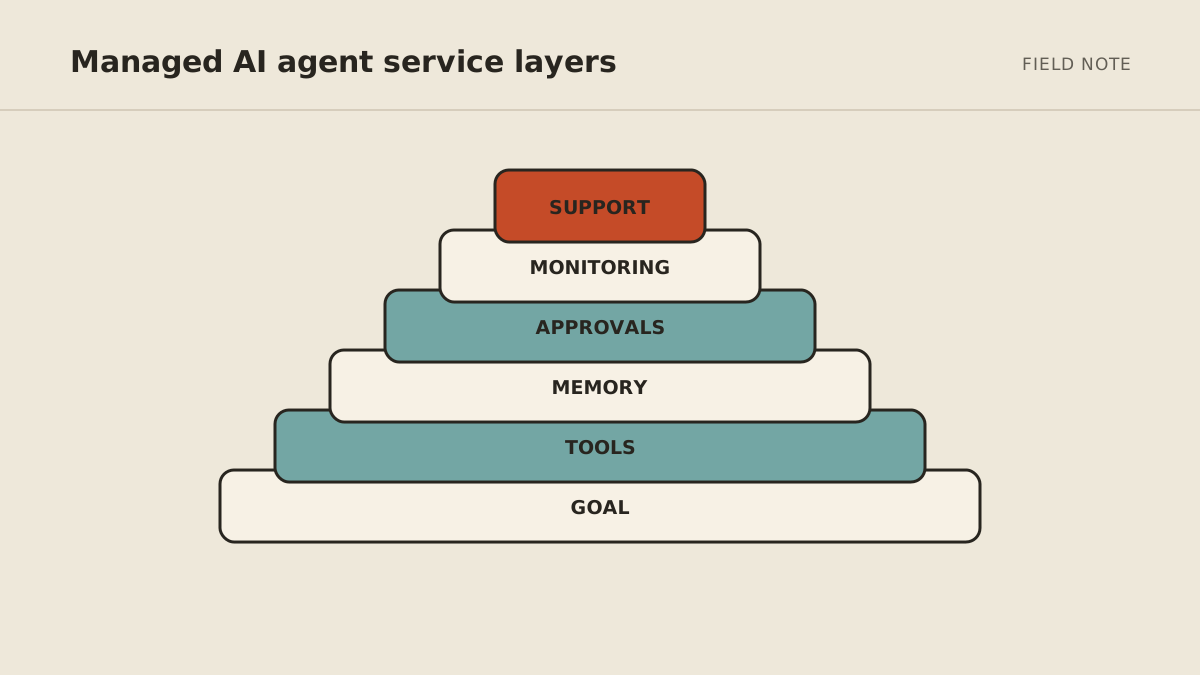
The clearest way to evaluate “managed” is to separate five layers.
1. Agent software
The software layer interprets instructions, selects tools, uses context, and produces an action or result. Depending on the workflow, it may research sources, inspect files, prepare a draft, update an approved record, or run a scheduled task.
This is what people usually mean when they say “the agent.” It is necessary, but it is only one layer.
An agent differs from ordinary chat because it can carry a task through multiple steps. A chat response might describe how to prepare a client brief. An agent workflow can gather the approved records, organize them to a template, flag missing information, and deliver a draft for review.
The useful buying question is not “Which model does it use?” in isolation. Ask which work it completes, which sources it can use, which actions it may take, and what evidence appears with the result.
2. Operating environment
The operating environment is where the agent runs. It includes the runtime, configuration, scheduled jobs, storage, logs, dependencies, and recovery procedure needed for the workflow.
A local experiment can stop when a laptop sleeps or a terminal closes. A recurring business workflow needs an environment whose operating expectations are explicit. That does not mean perfect uptime. It means someone is responsible for deployment, health, updates, and restoring service after a failure.
Ask a provider:
- Where does the workflow run?
- What persists between runs?
- How are updates tested and deployed?
- What happens when a scheduled run fails?
- How is access removed at the end of service?
Those questions reveal more than the label “hosted.”
3. Permissions and connections
Tools make an agent useful, but permissions determine its risk. Email, calendar, browser, files, databases, and business applications each expose different actions and data.
A managed setup should identify the minimum access needed for the initial workflow and distinguish read, draft, update, send, publish, purchase, and delete permissions. These are not interchangeable.
For example, a meeting-preparation agent may need to read a selected calendar and approved account records. It does not automatically need permission to invite attendees, modify every event, or message a client.
The permission plan should include:
- the system and account owner;
- the specific data or action required;
- whether a read-only or draft-only test is possible;
- the credential or authorization method;
- the person who approves broader access;
- the revocation path.
Managed operation should reduce the customer’s technical burden, not obscure what the system can reach.
4. Monitoring and maintenance
A workflow changes after launch. A connected field is renamed, an authorization expires, a website changes, an instruction becomes outdated, or a new exception appears. Monitoring and maintenance are the practices that detect and respond to those changes.
Useful monitoring is tied to the business workflow. It should make failures, uncertain outcomes, retries, and escalations visible. A technically successful run can still be operationally wrong if it used an incomplete record or skipped an approval.
Maintenance can include:
- reviewing failed and corrected runs;
- restoring expired or broken connections;
- testing changes against historical cases;
- updating instructions and boundary rules;
- checking schedules and queues;
- reviewing access that is no longer needed;
- documenting known exceptions.
No provider can honestly promise that a changing system will never need attention. The managed value is clear ownership of that attention and a process for responding.
5. Human ownership
The provider may operate the technical system, but a person inside the business still owns the workflow’s intent and consequences.
That human owner defines what “done” means, reviews exceptions, approves consequential actions, supplies corrections, and decides whether the scope should expand, change, or stop. Without an active owner, the system can continue following yesterday’s rules after the business has moved on.
Use a simple boundary model:
- Act: bounded, low-risk steps the agent may complete.
- Ask: steps that require a named reviewer.
- Never: actions outside the workflow, even if the tool makes them technically possible.
Human ownership is not evidence that the agent failed. It is part of the operating design.
What managed should include in writing
Before buying, ask for a plain-language description of the service:
| Area | What should be clear |
|---|---|
| Workflow | Trigger, expected result, included and excluded cases |
| Environment | Hosting, schedules, persistence, updates, recovery |
| Connections | Systems, permissions, credential ownership, revocation |
| Boundaries | Act, ask, and never rules |
| Review | Human owner, exception queue, correction process |
| Maintenance | Monitoring, update responsibility, support path |
| Exit | Data return or deletion, access removal, documentation handoff |
“Managed” is meaningful when these responsibilities are explicit. A feature list alone cannot show who handles a broken connection on Monday morning.
What work fits a managed agent?
A strong first workflow is recurring, primarily digital, recognizable when complete, and safe to test behind review. Examples include a weekly research brief, meeting preparation, lead-record cleanup, draft follow-up, and monitoring a defined source.
A weak first workflow is broad, high-stakes, difficult to reverse, or dependent on unstated relationship judgment. “Run my operations” is not a scope. “Prepare a review-ready brief from these approved sources every Monday” can be.
Use the AI agent readiness scorecard to assess one workflow before comparing vendors.
Managed versus self-serve
Self-serve can be the right choice when an internal operator wants hands-on control, has time to configure and maintain the system, and can safely manage access. A managed service fits when the workflow matters but the owner does not want to become the system operator.
The tradeoff is not capability versus incapability. It is control, operating time, support, and responsibility.
A practical starting point
Begin with one recurring job, a few historical examples, and a named owner. Map the trigger, result, access, exceptions, approvals, and stop conditions before connecting live tools.
If that operating model matches what you need, review the MyAgnts managed AI agent service. The page explains the current offer, fit, and boundaries; a setup conversation should still begin with the workflow, not a promise to automate the whole business.