Guides
AI Email Assistant: What It Can Handle (and What It Shouldn’t)
An AI email assistant can sort your inbox, summarize long threads, and draft routine replies. Here is where it helps—and where you should stay in control.
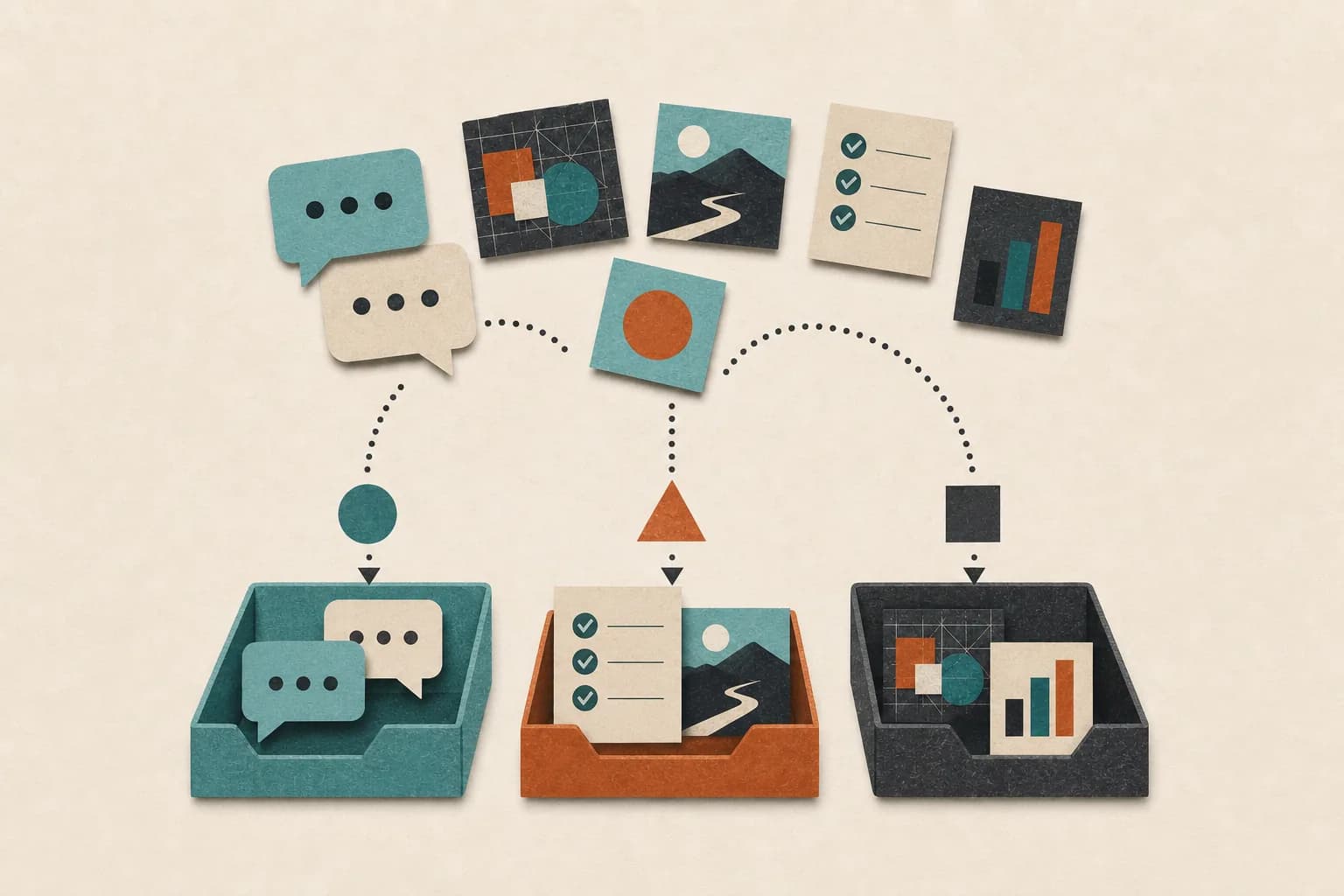
An AI email assistant can take a crowded inbox and turn it into a short list of decisions. It can sort new messages, summarize long threads, draft routine replies, and remind you when a conversation goes quiet.
That does not mean you should hand over every email. The useful version is less dramatic: let the assistant handle the repetitive parts, then keep people in charge of the messages where tone, money, or trust matter.
What is an AI email assistant?
An AI email assistant is software that helps you process and respond to email. Unlike a basic filter, it can use the meaning of a message—not only the sender or a keyword—to decide what needs attention.
Depending on its access and instructions, it may:
- label or prioritize incoming mail;
- summarize a thread and pull out open questions;
- draft a reply using the context in the conversation;
- suggest a meeting time from your calendar;
- track messages that still need a response; or
- prepare a daily inbox brief.
Some tools work inside an email app. Others are agents that can use email alongside a calendar, files, and messaging tools. The second kind is useful when the job does not end with writing a reply. For example, an agent might read a request, check your calendar, prepare an answer, and wait for your approval before sending it.
What can an AI email assistant do well?
The best tasks are common, easy to check, and easy to undo.
Sort the inbox before you open it
Most inboxes mix urgent work with receipts, newsletters, automated alerts, and conversations that can wait. An assistant can group those messages and show you the few that need a decision.
This is more useful than chasing “inbox zero.” The goal is not an empty screen. It is knowing that you have not missed the email that matters.
Summarize long conversations
A thread with fifteen replies may contain only three useful facts: what changed, who owns the next step, and when it is due. A good summary gives you those facts without pretending every detail is equally important.
You should still open the original thread when the wording matters. Summaries are a shortcut to context, not a replacement for the source.
Draft routine replies
Scheduling, confirmations, status updates, and familiar customer questions are good drafting jobs. The assistant can produce a first version with the relevant names, dates, and details already included.
The time saving comes from reviewing instead of starting with a blank page. You can approve the draft, edit it, or discard it.
Catch forgotten follow-ups
Email often becomes an unreliable to-do list. An assistant can notice that a question has no answer, a promised file has not arrived, or a lead has gone quiet. It can then remind you or prepare a follow-up for review.
What should stay human?
An AI email assistant can misunderstand subtext. It does not share your full history with a client, colleague, or friend. That makes some messages poor candidates for automatic sending.
Keep a person in control when an email involves:
- a complaint, conflict, or emotionally charged conversation;
- a price, contract, refund, or financial commitment;
- private health, legal, employment, or account information;
- a promise that changes someone else’s work; or
- wording that could affect a relationship.
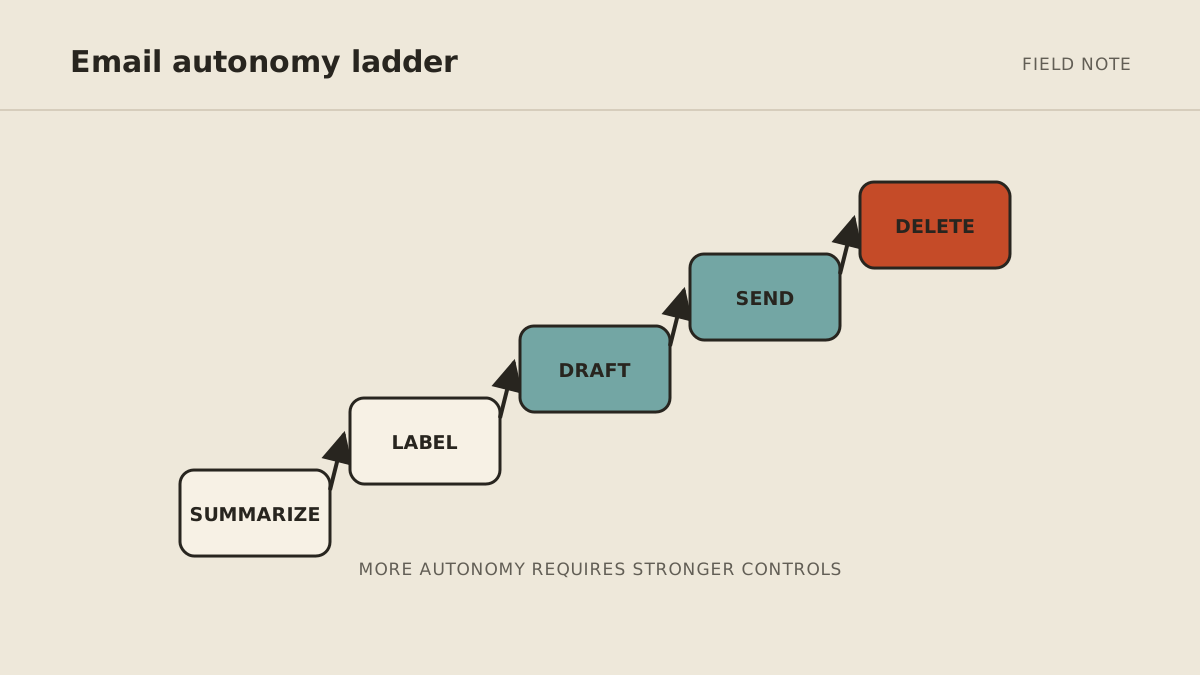
A practical rule is to separate drafting from sending. The assistant can prepare sensitive messages, but you approve the exact text and recipient. For a broader framework, see our guide to AI agent approval boundaries.
How to automate your inbox without losing control
Start with one narrow job. “Handle my email” is vague. “Every weekday morning, group new mail into urgent, reply needed, and reference; then draft replies for scheduling requests” is testable.
Use this setup process:
- Choose a small scope. Begin with one account, folder, or type of message.
- Define what the assistant may do. Decide whether it can read, label, draft, archive, or send.
- Create clear approval rules. Require review for external replies, money, sensitive information, and uncertain requests.
- Check the first results closely. Correct the categories, tone, and exceptions while the workflow is still small.
- Expand only after it is dependable. Add follow-ups, calendar actions, or another inbox once the first job works consistently.
The model matters, but the workflow matters more. A powerful assistant with vague instructions creates more checking. A modest assistant with a clear job can quietly save time every day.
How MyAgnts approaches email work
MyAgnts provides a managed AI operator shaped around a specific workflow. For inbox work, that can mean preparing a daily brief, drafting routine replies, coordinating with a calendar, and pausing before anything consequential is sent.
The service is set up with you rather than handed over as another dashboard to configure. We map the task, the tools it needs, and the moments that require approval. Review the managed AI email and calendar assistant for the service scope and approval boundaries, or see the full setup and operating process.
Frequently asked questions
Can AI answer my emails for me?
Yes, but automatic sending should be limited to predictable, low-risk messages. For most work, a safer pattern is for AI to sort and draft while you approve replies that affect people, money, or important decisions.
Is it safe to connect AI to my inbox?
Safety depends on access, storage, and action limits. Give the assistant only the permissions it needs, use clear approval rules, and avoid connecting sensitive accounts until you understand how the service handles data and credentials.
Will an AI email assistant write in my voice?
It can get closer when you provide examples and direct feedback. Still, review important messages. A familiar tone is not the same as sound judgment.
What is the best first inbox task to automate?
Start with triage or a daily summary. Both are easy to review and do not require the assistant to send anything. Once the categories are reliable, add drafts for one routine type of email.
If email is the recurring job you want off your plate, book a setup call. No task prep is required; we will learn how your inbox work happens and map what the operator could handle versus what should stay with you.