Comparisons
AI Agent vs. ChatGPT: The Difference Business Owners Need to Know
ChatGPT now includes agentic features, but an AI agent is a broader operating system. Compare setup, tools, schedules, controls, and business fit.
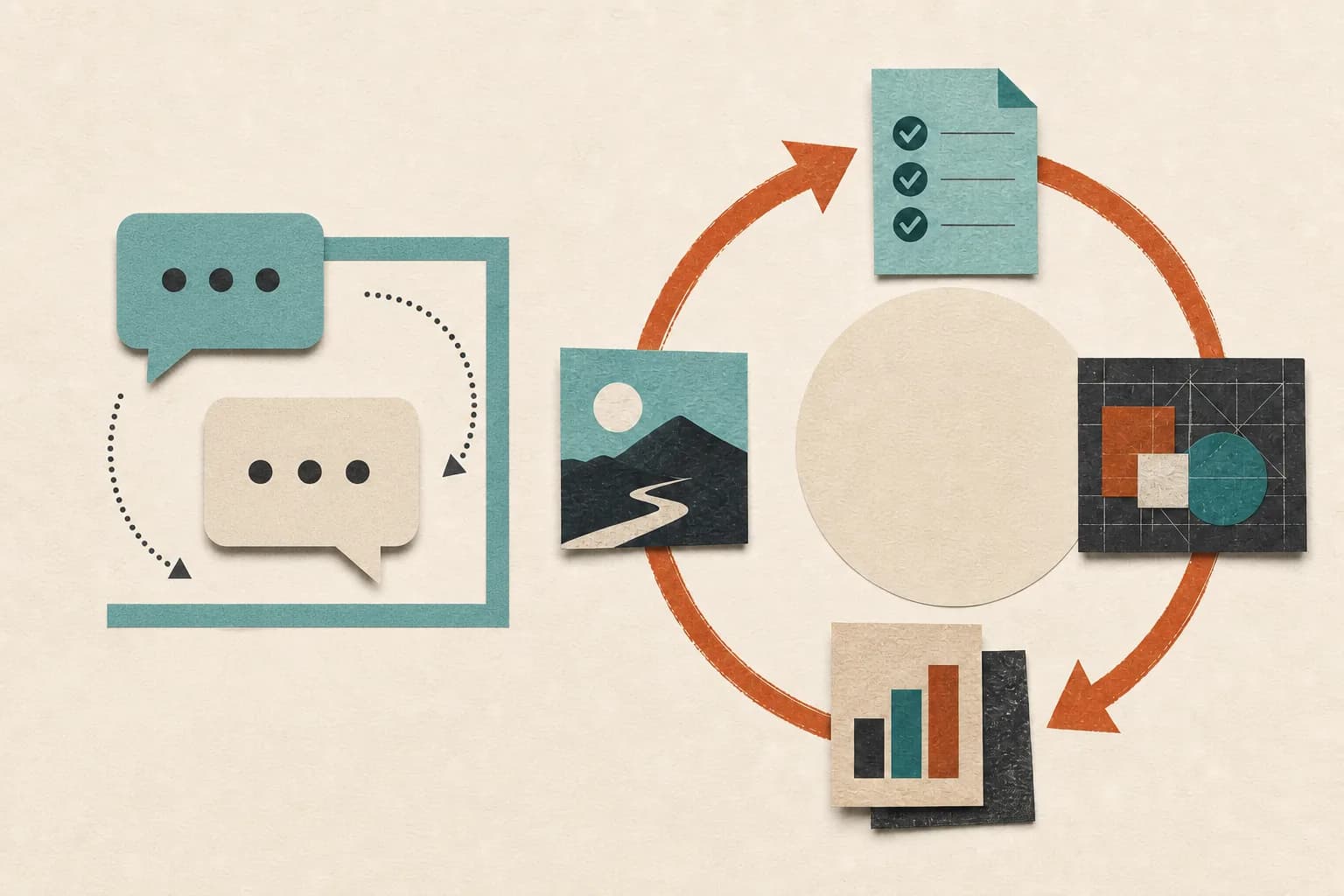
ChatGPT is a product you can use for conversation, research, creation, and increasingly agentic work. An AI agent is a broader kind of system: a model plus instructions, tools, state, triggers, and controls assembled to own a defined workflow.
In 2026, the honest comparison is no longer “ChatGPT only talks; agents take action.” ChatGPT itself can use connected tools, complete longer tasks, and run scheduled work. The real question is whether its built-in experience fits your job or whether you need a dedicated agent shaped, connected, and maintained around that job.
Product details in this guide were checked against official OpenAI pages on July 19, 2026.
The short version
Choose ChatGPT when you want a flexible general assistant for research, writing, analysis, or occasional multi-step work. It is usually the fastest way to begin.
Choose a dedicated AI agent when a specific business process should run repeatedly, respond to events, preserve workflow state, use a controlled set of tools, and follow stable approval rules without rebuilding the context every time.
Choose a managed agent when you want that dedicated system but do not want to configure, monitor, repair, and tune it yourself.
Why the old comparison is outdated
ChatGPT began as a conversational interface, so many explainers still describe it as a place that only returns text. That is incomplete today.
OpenAI introduced ChatGPT Work in July 2026 for longer tasks across connected apps and files, including finished documents, spreadsheets, presentations, reports, and scheduled tasks. OpenAI also offers workspace agents in research preview for Business and other workspace plans. Those agents can be shared, scheduled, connected to tools, and configured with approvals and monitoring.
So ChatGPT can be the place where an AI agent lives. “ChatGPT” and “AI agent” are not mutually exclusive categories.
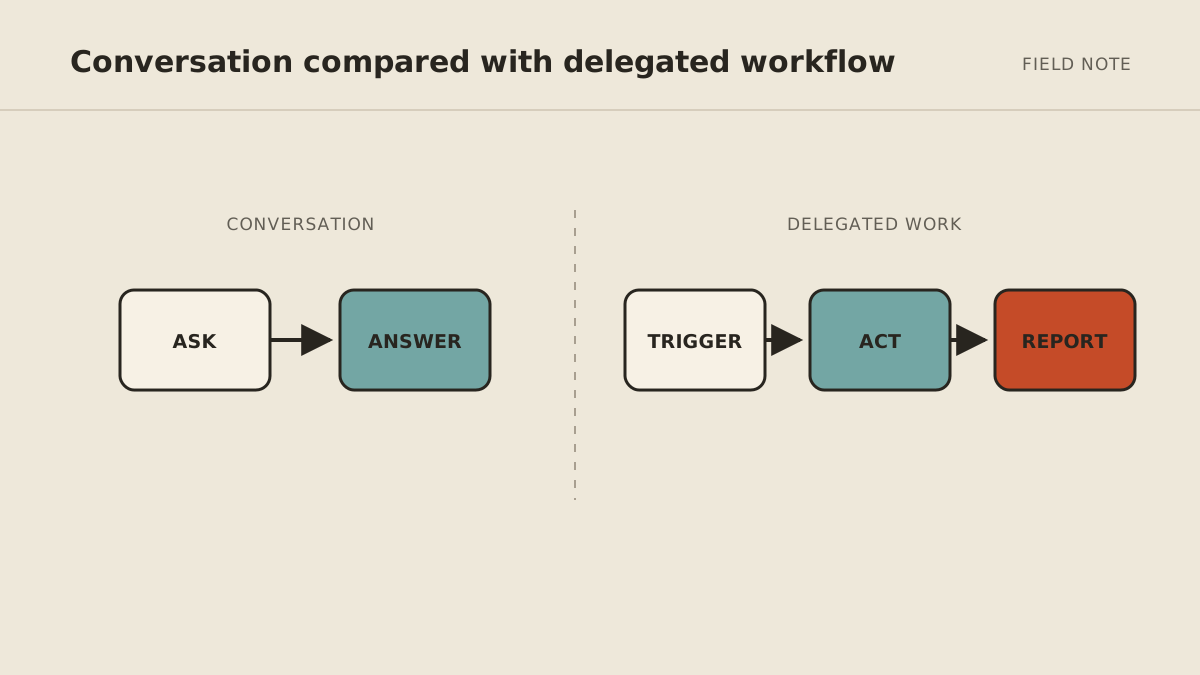
The distinction that still matters is general product versus configured operating role.
AI agent vs. ChatGPT at a glance
| Question | ChatGPT | Dedicated AI agent |
|---|---|---|
| What is it? | A general AI product with chat, creation, research, apps, and agentic modes | A system configured to pursue a defined job |
| Fastest use | Ask, attach context, and work interactively | Trigger or schedule a repeatable workflow |
| Setup | Low for general tasks; more for apps and workspace agents | Varies from no-code configuration to custom or managed setup |
| Tools | Available apps, plugins, browser/desktop capabilities, and workspace controls | Only the tools selected for that agent's role |
| State | Conversation, project, connected context, and product-specific memory | Workflow state and memory designed for the job |
| Recurring work | Scheduled Tasks and workspace-agent schedules where available | Event triggers, schedules, monitors, and background runs depend on the platform |
| Controls | Product and workspace permissions, approvals, and admin settings | Can be designed per workflow, tool, action, and customer environment |
| Maintenance | OpenAI maintains the product; you maintain your prompts, connections, and internal workflow setup | You, a platform vendor, developer, or managed provider maintains the full agent |
| Best fit | General knowledge work and a quick start | Repeated multi-step operations with a stable finish line |
The table describes typical fit, not a hard technical boundary. A well-built ChatGPT workspace agent may be your dedicated agent. A poorly designed standalone “agent” may do little more than a saved prompt.
Where ChatGPT is the better choice
You need help now, not a new system
For a one-time market scan, proposal outline, spreadsheet analysis, or draft, starting a conversation is efficient. You can guide the work in real time and supply judgment as needed.
Building a dedicated workflow for an occasional task adds setup and maintenance without much return.
The work changes every time
General assistants are strong when you cannot define one stable process. If Monday is research, Tuesday is a presentation, and Wednesday is a pricing analysis, a flexible workspace is more useful than three narrow agents.
You want one supported product for the team
ChatGPT Business combines shared administration, apps, company context, and several kinds of AI work. OpenAI's business pricing page listed Business at $20 per user per month with annual billing, with a two-user minimum, when checked July 19, 2026. Monthly billing and extra flexible usage can change the total.
That can be a sensible first purchase for a small team that wants broad capability before committing to a specific automated process.
Where a dedicated agent is the better choice
A process should begin without a fresh conversation
A new form, overdue record, calendar event, or change in a source may need to start the job. Dedicated agents are often built around those triggers rather than waiting for someone to open chat and remember the prompt.
ChatGPT Scheduled Tasks and workspace agents can also cover recurring work. The deciding question is whether their triggers, tools, and controls match your process.
The job crosses several systems in a stable sequence
Suppose every new lead should be checked for duplicates, researched, qualified, drafted, logged, approved, and followed up. A dedicated role can preserve those rules and the state of each lead.
You can recreate that process manually in a general assistant, but the owner remains the workflow engine: supplying context, moving results, and remembering what happens next.
Access must be isolated by role
A lead-follow-up agent should not see payroll or unrelated client files. A reporting agent may need read-only data but no ability to send messages. Dedicated setups can make role-specific identities, permissions, and logs central to the architecture.
Product controls still vary. Verify the actual authorization model rather than assuming a product is safer because it uses the word “agent.”
Someone must own ongoing reliability
Connections expire. Websites change. Business rules evolve. Usage costs drift. A dedicated agent needs an operator, whether that is you, an employee, a developer, the platform vendor, or a managed service.
This maintenance burden is easy to miss in a feature comparison and often determines whether automation stays useful after the first month.
Five business scenarios
“Summarize this contract for a discussion”
Use ChatGPT or another general assistant. This is a one-time, interactive analysis. Keep a qualified person responsible for legal interpretation.
“Every weekday, prepare the messages that need my decision”
Either can work. ChatGPT Work or a workspace agent may fit if your email connection, schedule, and approval needs are supported. A dedicated assistant makes more sense if the brief crosses several inboxes, a CRM, internal files, and custom rules.
“Follow up with every qualified lead”
This is agent-shaped. It needs an event trigger, state, CRM and message tools, suppression rules, approvals, and escalation. Compare a ChatGPT workspace agent with dedicated platforms or a managed build based on those exact needs.
“Help everyone write and research better”
Choose ChatGPT Business or another general team AI product. The goal is broad assistance, not ownership of one operation.
“Maintain my weekly operating brief without me configuring tools”
Choose a managed agent. You are buying setup and ongoing operation in addition to AI capability.
A better buying checklist
Do not ask only, “Can it send email?” Ask:
- What starts the workflow?
- Which accounts, records, and actions can it access?
- Can read, draft, update, send, and delete permissions be separated?
- What requires approval, and what exactly does the reviewer see?
- What state persists between runs?
- Where can you inspect sources, actions, failures, and cost?
- What happens when a connection expires or a tool changes?
- Who maintains the workflow after launch?
Those answers reveal the operating system behind the interface.
The practical decision
Start with ChatGPT if you are still discovering how AI helps your business. Use it for real work and notice where you repeatedly copy context, open other tools, or return later to continue the same process. That friction identifies a possible agent workflow.
Move to a dedicated agent when the job is stable enough to name its trigger, finish line, tools, boundaries, and owner. Read what an AI agent does for a business if you need to map those parts, then compare the best small-business agent options.
MyAgnts belongs in the managed category. It is not a replacement for every useful ChatGPT conversation; it is for recurring work that should live in a persistent, private operator someone else maintains. If that is the gap you have found, book a setup call. You do not need to prepare a workflow; we will identify a sensible candidate together.