Guides
How to Build a Website With AI (No Coding Needed)
Learn how to build a website with AI, from writing a useful prompt to reviewing the copy, testing the site, and publishing it.
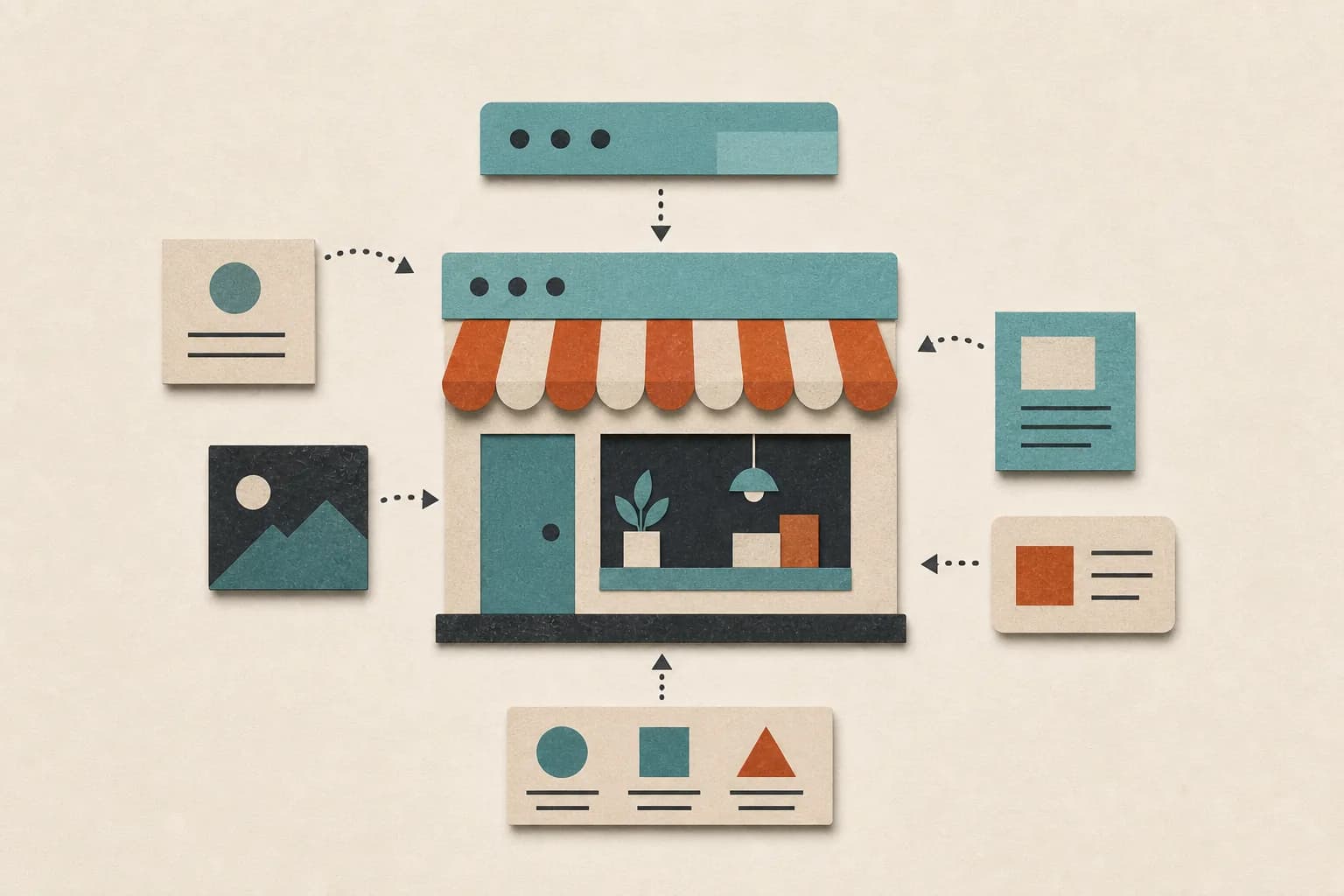
You can build a website with AI without writing code. The hard part is no longer getting a page onto the internet. It is giving the AI enough direction to make a site that sounds like your business and helps a visitor take the next step.
This guide covers the whole process: what to prepare, what to ask for, what to check, and when an AI website builder is not the right tool.
What an AI website builder actually does
Most AI website builders start with a short description of your business. From that prompt, they can create a layout, draft the copy, choose colors and images, and prepare a mobile version of the site.
That gives you a first draft, not a finished business asset. The AI does not automatically know which customers matter most, what makes your offer different, or which claims you can prove. You still need to supply that judgment.
Think of the tool as a fast builder. You are still the editor and owner.
Decide what the website needs to do
Before opening a tool, write down four things:
- Who the site is for. Be specific. "Local homeowners who need emergency plumbing" is more useful than "people who need a plumber."
- What you offer. List the main service or product in plain language.
- Why someone should trust you. Use real experience, customer results, credentials, or a clear process.
- What visitors should do next. Pick one main action, such as booking a call, requesting a quote, or buying a product.
This short brief will improve the result more than adding a long list of design adjectives.
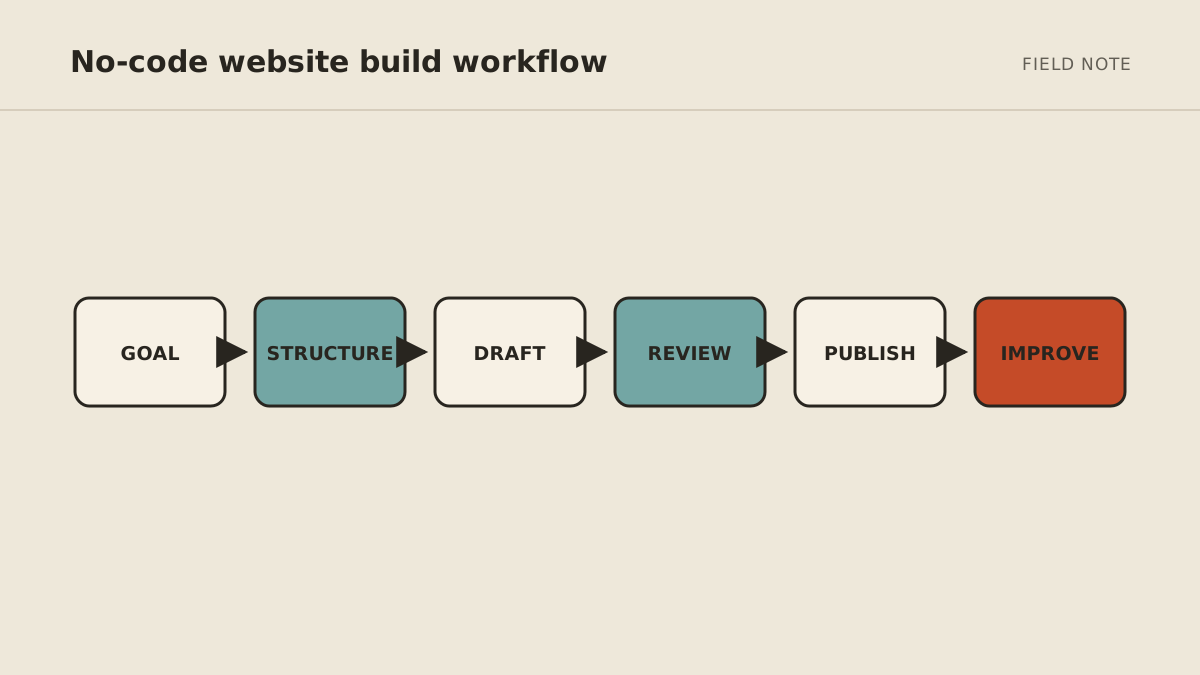
How to build a website with AI, step by step
1. Write a useful first prompt
Include the audience, offer, tone, pages, and main action. For example:
Create a clear five-page website for a residential electrician in Raleigh. The audience is homeowners who need reliable repairs and upgrades. Use a calm, direct tone. Include Home, Services, About, Reviews, and Contact pages. The main action should be requesting an estimate.
You can add brand colors, existing copy, photos, or websites you like. Do not ask the AI to invent reviews, certifications, client names, or performance numbers.
2. Fix the structure before polishing the design
Check whether a new visitor can answer these questions within a few seconds:
- What does this business do?
- Is it meant for me?
- Why should I trust it?
- What should I do next?
If any answer is unclear, fix the page order and headings first. Fonts and animation can wait.
3. Rewrite the copy in your own voice
AI copy often sounds confident but vague. Replace broad lines such as "We deliver innovative solutions" with details a customer can understand.
Read every paragraph aloud. Shorten sentences that feel stiff. Remove words you would never say to a customer. Check every factual claim.
4. Test the parts that can lose you business
Before publishing, test the site on a phone and a computer. Click every link. Submit every form. Check the confirmation email. Make sure the phone number, address, prices, hours, and social links are correct.
Also review basic accessibility: clear heading order, readable contrast, useful link text, keyboard navigation, and alternative text for meaningful images.
5. Connect the domain and publish
Follow the builder's instructions to connect your domain. Add a useful page title and description for each important page. Set up analytics only if you plan to review the data and act on it.
After the site is live, ask someone unfamiliar with the business to use it. Give them a simple task, such as finding a service and requesting a quote. Watch where they hesitate.
What AI website builders are good at
AI builders are a practical fit for:
- Service-business websites
- Landing pages for a product or event
- Portfolios and personal sites
- Simple brochure sites for a new business
- Early versions of a site that will be refined later
They are less suitable when the project needs complex account permissions, unusual checkout rules, sensitive data, deep integrations, or a one-of-a-kind interactive experience. Those projects usually need an experienced designer or developer.
AI builder, developer, or managed agent?
Choose based on what happens after launch.
- Use an AI website builder when you want to make and maintain a straightforward site yourself.
- Hire a designer or developer when the site needs custom strategy, branding, integrations, or engineering.
- Use a managed agent when the work is well defined but you would rather request changes in plain language than operate another tool.
MyAgnts' Private Operator can design, build, publish, and update websites as part of a broader managed service. It is most useful when website work sits alongside other recurring tasks, such as research, publishing, files, and follow-ups.
Keep the site useful after launch
A website becomes stale when nobody owns it. Set a monthly reminder to check:
- Offers, prices, hours, and contact details
- Broken links and form submissions
- Old screenshots, team information, and testimonials
- Pages people visit but leave without taking action
Small, regular updates are easier than a complete rebuild every two years.
FAQ
Can I build a website with AI for free?
Many tools let you create a draft for free. A custom domain, publishing, forms, analytics, or removing the builder's branding may require a paid plan. Check what is included before you commit to a platform.
Do I need coding knowledge to use an AI website builder?
No coding is needed for most standard business sites. Basic knowledge can help with custom changes, but a clear business brief and careful review matter more at the start.
Will an AI-built website rank on Google?
It can, but the builder alone does not create rankings. The site still needs useful original content, clear page titles and headings, good performance, internal links, and information that satisfies the visitor's search.
When should I hire a professional instead?
Hire a professional when mistakes would be expensive, the site handles sensitive data, the brand needs original creative direction, or the project depends on custom systems and integrations.
Want someone to build the site and stay available for updates? See Private Operator pricing or book a setup call. No task prep is required; we will learn what the site needs and show what a practical $500-per-month managed setup could cover.